📖 Deck managment
What is the Recent Decks Section?
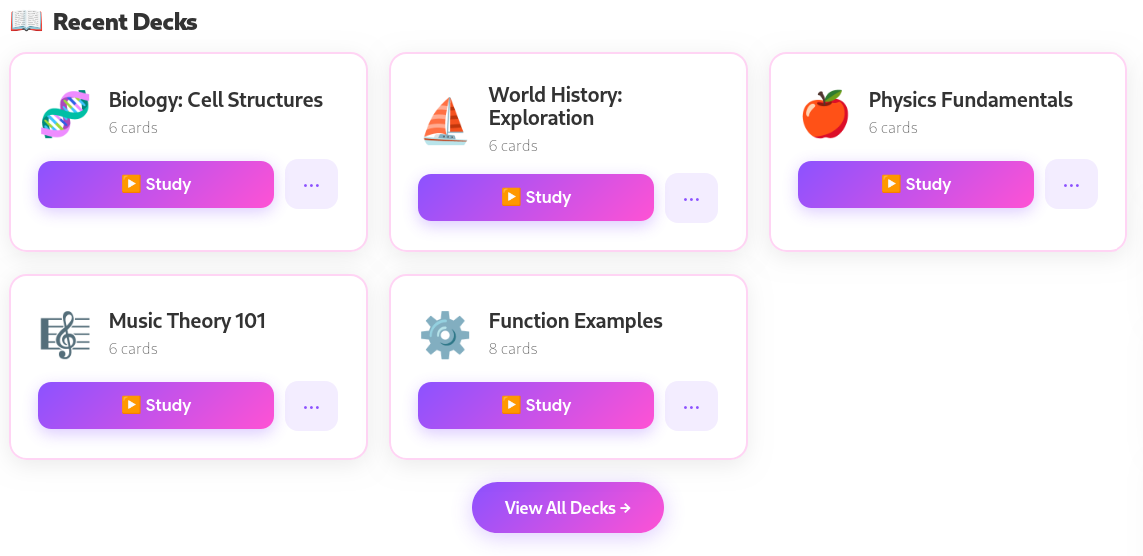
The Recent Decks section provides immediate access to your most active materials, sorted by those last studied or created. The amount of recent decks displayed varies on screen size. On mobile, right under the most recent deck, secondary recent decks are displayed in a compact grid to save screen space.
Deck Card Actions
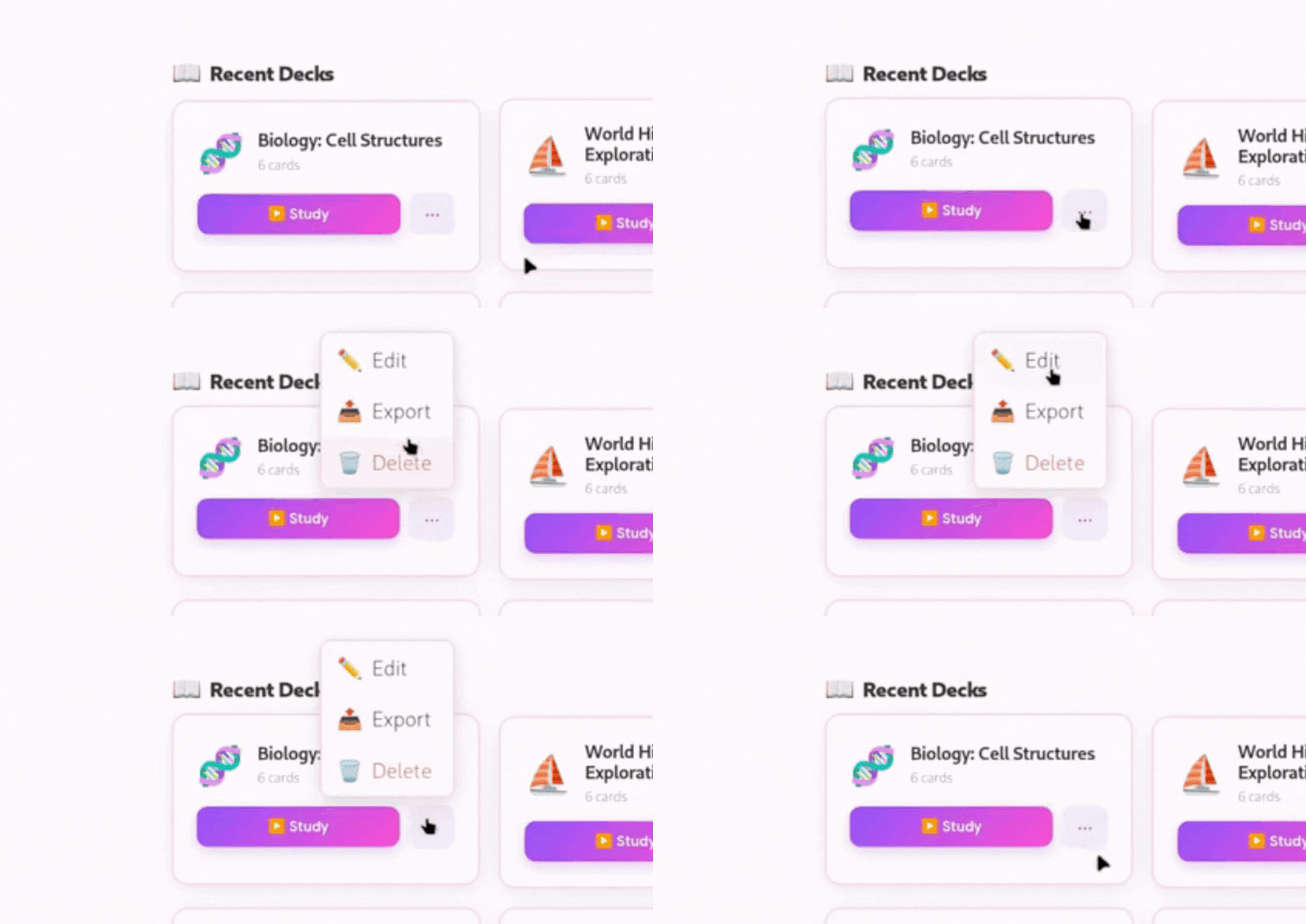
Each deck card features a quick-access menu for management:
▶️ Study: Launches the deck in Study Mode.
✏️ Edit: Opens the deck in the Create/Edit interface.
📤 Export: Downloads the deck as a .json file for backup or sharing.
🗑️ Delete: Permanently removes the deck from your local storage.